


Espresso: World news in a shot
4.72.77K Reviews
App Specs
- Version
- 3.42.0
- Updated On
- License
- Free
- Downloads
- 1,000,000+
- Developer
- The Economist Newspaper
- Categories
- News & Magazines
- Platform
- Android, iOS
Screenshots



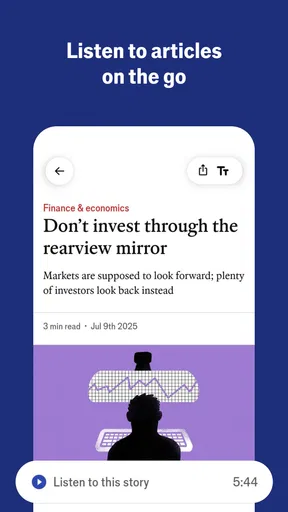
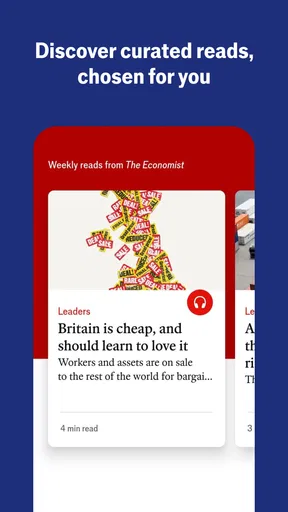
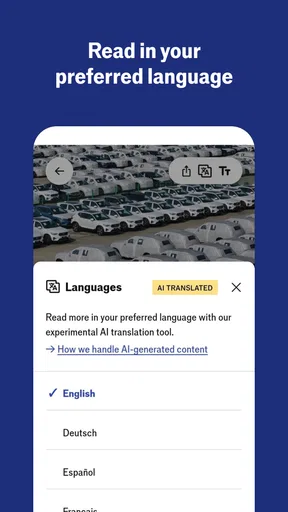
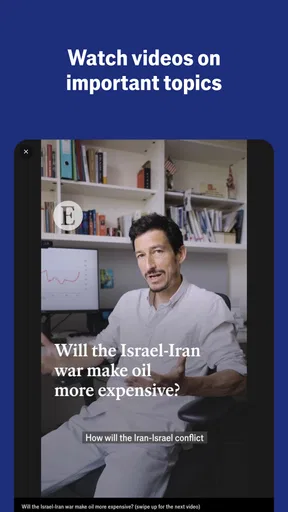
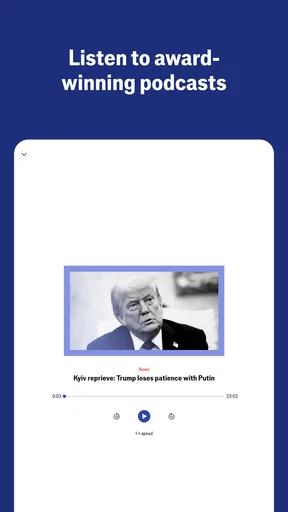
 Analysis by AppCompare
I use a short daily news briefing differently from a full news app: I want a quick sense of what deserves my attention, not a morning swallowed by an endless stream of headlines. That is the appeal of Espresso: World News in a Shot. It is a free news and magazines app from The Economist Newspaper, built around a focused read rather than a sprawling feed. Its central promise is useful if you treat it as a starting point for the day, though it is less suited to anyone who expects one app to cover every local development and specialist interest.
A briefing is a filter, not a complete news diet
The key capability is its concise, selected presentation of news. Instead of asking me to browse a large volume of stories and decide what matters from scratch, Espresso gives me a compact route into current events. That changes the task: I can get oriented first, then choose whether a particular story deserves more time. The format is most valuable when my attention is limited, not when I am ready to investigate a subject in depth.
That distinction matters because a short briefing cannot do everything a newspaper, a live news feed, or a specialist publication can. I would use it to identify topics worth following, not as proof that I have seen every important angle. Concision is a real benefit, but it also means the reader has to recognize when a headline is only the beginning of a story.
How the daily read fits into real life
In practice, I would open the app during a quiet moment—over breakfast, on a commute, or while waiting for a meeting—and read a few items without committing to a long session. The stories are presented as brief but informative, so the experience is closer to a guided daily check-in than to scrolling through a live stream. That makes it easier to finish a session and get on with the day.
A useful habit is to pause when an item affects a decision you need to make. If a story has consequences for work, travel, or a conversation you are about to have, treat the briefing as a prompt to seek fuller reporting rather than assuming the compact version settles the issue. This is a practical way to enjoy the speed without asking a short format to supply every detail or point of view.
The app also lets me personalize the feed by choosing topics that interest me. I would keep those choices focused on subjects I genuinely want to follow, rather than trying to turn the briefing into a mirror of every passing curiosity. A narrower selection makes the morning read more coherent; a broader one may expose me to more variety but can dilute the quick, purposeful feel that makes the format attractive.
Who benefits, and where another source is better
Espresso makes the most sense for readers who want a regular overview of global news but do not have the time or appetite to browse several publications every morning. It can also help someone build a news habit: a small, repeatable reading window is easier to sustain than an ambitious plan to catch up on everything. If I wanted local alerts, extensive specialist coverage, or a live stream of every update, I would pair it with a publication or service designed for that job.
Worth Reading Before You Choose

Flipboard Shows What News Apps Must Do Beyond the Feed

Switching to Android Auto Means Rethinking Your Driving Routine

Google Calendar Makes a Crowded Week Easier to Manage

Ludo King Makes the Most of the Minutes Between Plans

Baby Panda World Brings Quick Play to Modern Phones, but Its Game Library Feels Busy

ESPN’s Live Game View Makes Following Close Games Easier
Compared with a typical headline feed, the curated approach asks less of the reader at the point of entry: there is less need to sort a long list before finding something worth reading. Compared with a full newspaper app, however, a concise briefing is a lighter touch and not a replacement for long investigations, extensive analysis, or a wide range of local reporting. The best choice depends on whether I want orientation or depth. For the latter, I would go directly to a trusted source focused on the subject.
One small but useful way to make the app work harder is to use the topic choices as an editorial boundary. I would select a few areas I want to understand consistently, read the briefing first, and note which subjects keep raising questions. That turns a quick daily read into a guide for what to explore elsewhere, rather than a box-ticking exercise in which seeing several headlines feels like being fully informed.
Getting Started with Espresso
First things first, downloading Espresso: World News in a Shot is a breeze. Available on both Android and iOS, the app is lightweight, so it won't gobble up your phone's storage. Once installed, you'll be greeted with a clean, minimalistic interface that's easy on the eyes. I love how the app’s design focuses on simplicity, making it straightforward to navigate.
The Morning Ritual
Now, let’s talk about how the app fits into your daily routine. Imagine waking up, grabbing your phone, and getting your daily dose of world news in just a few minutes. Espresso delivers exactly that. Each morning, you receive a curated selection of the most relevant news stories, designed to give you a well-rounded view of what's happening globally.
What's cool is the way these stories are presented. They’re concise, yet packed with enough detail to keep you informed. It's like having a shot of espresso – quick, strong, and effective. The app's name really does it justice!
Features that Stand Out
One feature that I find particularly nifty is the option to personalize your news feed. You can select topics that interest you, ensuring that your morning news is tailored just for you. Whether it's politics, technology, sports, or entertainment, Espresso has got you covered.
Another highlight is the app's commitment to unbiased reporting. In a world where news can often be skewed, it’s refreshing to see a platform striving for impartiality. The stories are sourced from a variety of reputable outlets, ensuring a balanced perspective.
Room for Improvement?
Of course, no app is perfect, and Espresso is no exception. One thing I noticed is that while the app does an excellent job of covering global headlines, it sometimes misses out on more niche or local stories. If you're someone who likes to stay updated on every detail, you might find yourself supplementing Espresso with other news sources.
Additionally, while the app is generally user-friendly, there’s a slight learning curve for those less tech-savvy. A brief tutorial upon first use might help new users get acclimated more quickly.
Why Espresso Deserves a Spot on Your Phone
In the crowded world of news apps, Espresso stands out for its efficiency and simplicity. It’s perfect for busy individuals who want to stay informed without dedicating hours to scrolling through endless articles. The tailored news feed and commitment to balanced reporting only add to its charm.
Espresso might not replace your favorite in-depth news source, but it’s an excellent companion for your morning routine. Think of it as your daily shot of news caffeine, waking you up and preparing you for the day ahead.
The app is free to download, with optional in-app purchases ranging from under a dollar to around a hundred dollars per item. I would check the purchase details before confirming anything, especially if I am only looking for a brief daily read. It is rated for Everyone, and its average rating is 4.7 from around 34,000 ratings, with roughly 2,800 written reviews. Those figures suggest a substantial audience, but they do not tell me whether its concise approach will suit my own reading habits.
On Android, the stated minimum operating system is version 8.0, and the current release is 3.40.0. The app has been available since November 4, 2014, and has passed one million installs. I would still think about the role it needs to play on my phone: the strongest reason to install it is a dependable short briefing, not a promise to replace every news source I already trust.
A realistic morning, and a sensible boundary
Picture a weekday when I have ten minutes before leaving home. I can open the briefing, scan the selected stories, and come away with a sense of the subjects likely to matter that day. If a major international issue catches my attention, I can make a note to read a fuller account later. If nothing calls for follow-up, I can close the app without feeling that I have failed to clear an endless queue. That stopping point is an underrated advantage over feeds that keep presenting more items.
The reverse situation is just as important. If I am following a city council decision, a local school issue, or a fast-moving event close to home, a global daily selection is not the place I would rely on for every development. I would check a local newsroom or a direct source alongside it. The same applies to research: a short story can orient me, but it is not a substitute for reading the underlying reporting when accuracy and context matter to a decision.
Making personalization useful rather than narrow
Topic selection is best treated as a practical compromise. If I choose only familiar subjects, the feed may feel comfortable but leave me with a narrow picture; if I select everything, the briefing risks losing its sense of focus. I would begin with a small set of interests, then reconsider the mix after using the app for a while. The point is not to eliminate surprise, but to make sure the daily selection still includes areas I want to understand beyond my usual routine.
I would also avoid judging a topic’s importance solely by how often it appears in a short briefing. A concise selection is designed to prioritize, not to represent every development evenly. For a subject I follow closely, I would compare what the app highlights with a specialist source from time to time. That small check helps me use curation as a convenience without mistaking it for a complete map of the news.
What to expect from the reading experience
Someone new to news apps may wonder whether Espresso is meant for casual reading or serious attention. I see it as a little of both: the brief format lowers the barrier to keeping up, while the global focus gives the session more substance than a glance at isolated notifications. Still, a compact story can leave questions unanswered by design. When I want background, competing arguments, or a detailed timeline, I would move to longer reporting rather than expecting the short read to expand into a full feature.
Another fair question is whether it can stand alone. For a reader whose goal is simply to get a quick overview, it may be enough for the daily habit they want. For someone who needs local coverage, continuous breaking updates, or deep expertise in a particular field, I would treat it as one layer in a broader reading routine. That is not a flaw so much as a difference in purpose: a concise briefing trades breadth of detail for a lower time commitment.
There is also a useful distinction between finding a story interesting and being well informed about it. I might finish the morning read with several new subjects in mind, but that does not mean I have learned all the context behind them. I get the most value by letting the app surface questions, then choosing one or two to investigate when the day allows. This approach keeps the experience quick while giving curiosity somewhere to go.
How it compares with familiar news habits
Many readers already have a routine built around a general news app, newspaper homepage, or social feed. A homepage offers more choice and often more depth at a glance, but it can demand time spent deciding where to begin. Social feeds can surface stories quickly, yet the order is shaped by a different kind of selection and can mix reporting with reaction. Espresso’s appeal is that it gives the daily read a more bounded shape. I would choose it when I want a manageable overview, and choose those alternatives when I want a wider menu, live updates, or a topic-specific deep dive.
For people who already read The Economist’s broader journalism, this app can serve as a convenient companion to a daily news habit, but I would not assume that a short briefing duplicates a long-form publication. A quick selection and a substantial analysis answer different questions. The former helps me ask, “What should I pay attention to today?” The latter is where I would go when I need to understand why an issue developed as it did and what its consequences might be.
Who should install it—and who should pass
I would recommend giving it a try if your main problem is keeping up without spending a large part of the morning browsing. It particularly suits people who like a repeatable routine, prefer selected stories to a crowded stream, and are comfortable following up elsewhere when a subject matters. The clean presentation supports that simple job rather than adding a lot of visible clutter.
I would skip it, or at least avoid making it my only source, if my priority were neighborhood reporting, comprehensive coverage of a specialist subject, or a constant flow of breaking news. Readers who enjoy exploring many articles in one sitting may also prefer a full newspaper app, where they can choose their own path through a broader range of material. The right comparison is not which app is universally better; it is whether I need a short orientation or a deeper reporting experience at that moment.
A final word on its place in the day
After weighing the convenience against the limits of a brief, curated read, I see Espresso as a focused tool for getting oriented, not a complete news desk in my pocket. Its strongest use is simple: read a compact selection, notice what deserves more attention, and close the app when the day’s overview is enough. That makes it a good fit for busy readers who want a lighter daily news habit, while leaving room for local outlets and long-form reporting whenever a headline calls for more.
Pros
- Concise news updates in a digestible format.
- Customizable topics for personalized content.
- User-friendly interface with intuitive navigation.
- Daily briefings ensure you're always informed.
- Offline reading mode for news on the go.
Cons
- Limited in-depth analysis of news stories.
- Occasional delay in news updates.
- Fewer multimedia elements compared to competitors.
- Requires subscription for complete access.
- Notifications can be overwhelming if not managed.
FAQs for Espresso: World news in a shot
What is Espresso: World News in a Shot?
Espresso: World News in a Shot is a news aggregation app designed to deliver concise and curated world news to users. It provides a quick overview of important global events with brief summaries, ensuring you stay informed without spending too much time reading lengthy articles.
How does Espresso ensure the accuracy of its news content?
Espresso sources its news from reputable and well-established media outlets. The app employs a team of editors to curate and verify the content, ensuring that users receive accurate and reliable information. This commitment to quality helps build trust with the app’s audience.
Can I customize the types of news I receive in Espresso?
Yes, Espresso offers customization options to tailor the newsfeed according to your preferences. You can select specific topics or regions you’re interested in, allowing the app to prioritize content that matches your interests, making your news consumption more relevant and personalized.
Is Espresso available for both Android and iOS devices?
Espresso is available for download on both Android and iOS platforms. Users can find the app on the Google Play Store and the Apple App Store, ensuring compatibility with a wide range of smartphones and tablets, making it accessible to a diverse user base.
Does Espresso require a subscription or is it free to use?
Espresso offers a free version with access to basic features and news content. However, there is also a premium subscription option that provides additional benefits, such as ad-free browsing and exclusive articles. This flexibility allows users to choose a plan that best fits their needs.


